A confused prospect never buys.
The pricing page is often the most critical point of friction on a website. It is where a visitor transitions from an interested observer to a potential buyer. Yet, many companies overcomplicate this page by offering too many choices, hidden fees, or highly technical tier descriptions. When a user feels overwhelmed by options, they usually leave the page to “think about it” and rarely return.
In 2026, AI-Driven Layout and Copy Tools are being used to eliminate this friction. By utilizing AI to structure your pricing tiers, you can present your rates in a transparent, easy-to-understand format that builds trust and increases sales.
1. Using AI to Standardize Plan Names and Descriptions
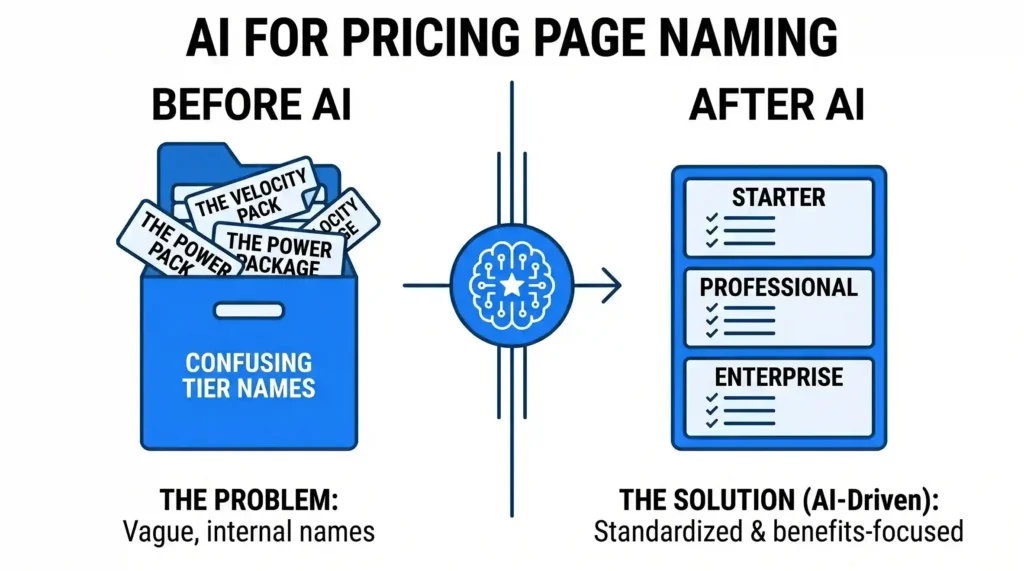
Many businesses create internal names for their pricing tiers that make sense to the team but confuse the public (e.g., “The Velocity Pack” vs. “The Enterprise Plan”).
- How AI Helps: You can feed your list of included features into an AI tool and ask it to categorize them into standard, recognizable packages based on customer types.
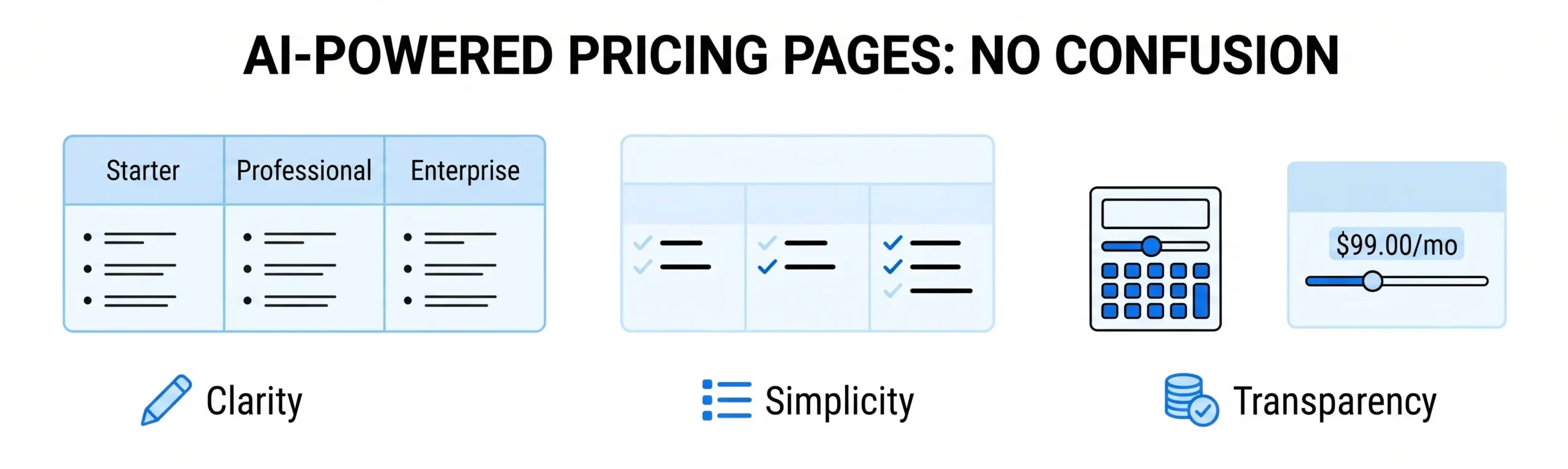
- The Benefit: The AI generates clear, user-focused tier names (like Starter, Professional, and Enterprise) and lists the features using bullet points that highlight the value for that specific buyer. This helps visitors instantly identify which plan fits their needs.
2. Simplifying the “Feature Checklist” Matrix
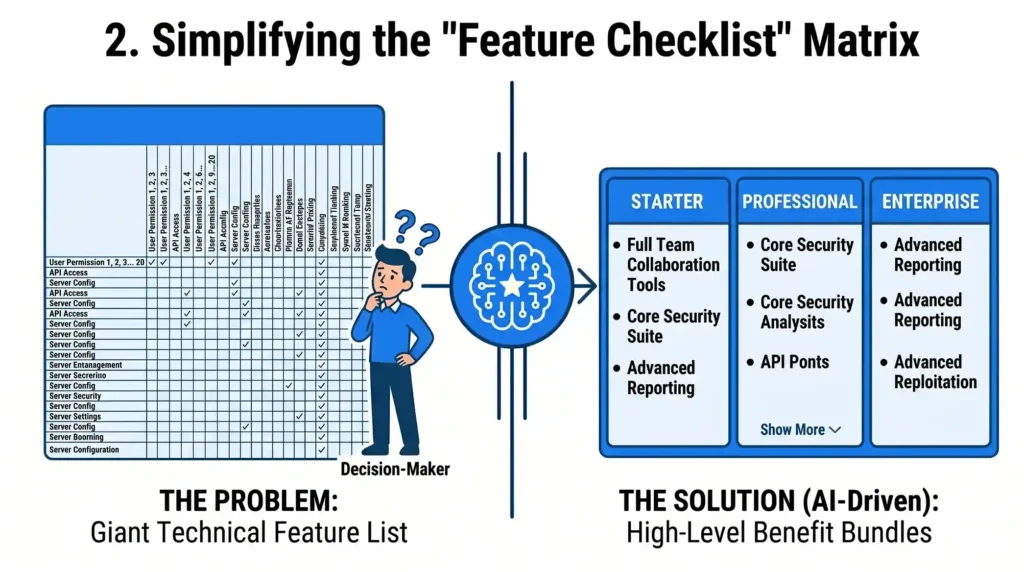
It is tempting to list every single technical feature your business offers in a giant comparison chart. While technical buyers might appreciate this, the average decision-maker will get lost in the details.
- How AI Helps: AI text-summarization tools can analyze a massive list of technical specifications and group them into 3 or 4 high-level “Benefit Bundles.”
- The Benefit: Instead of listing 20 individual software permissions, the AI summarizes them under a single, clear bullet point like: “Full Team Collaboration Tools.” This keeps your comparison table clean and scannable while still allowing advanced users to click a dropdown for the full details if they want them.
3. Creating Clear Dynamic Add-On Systems
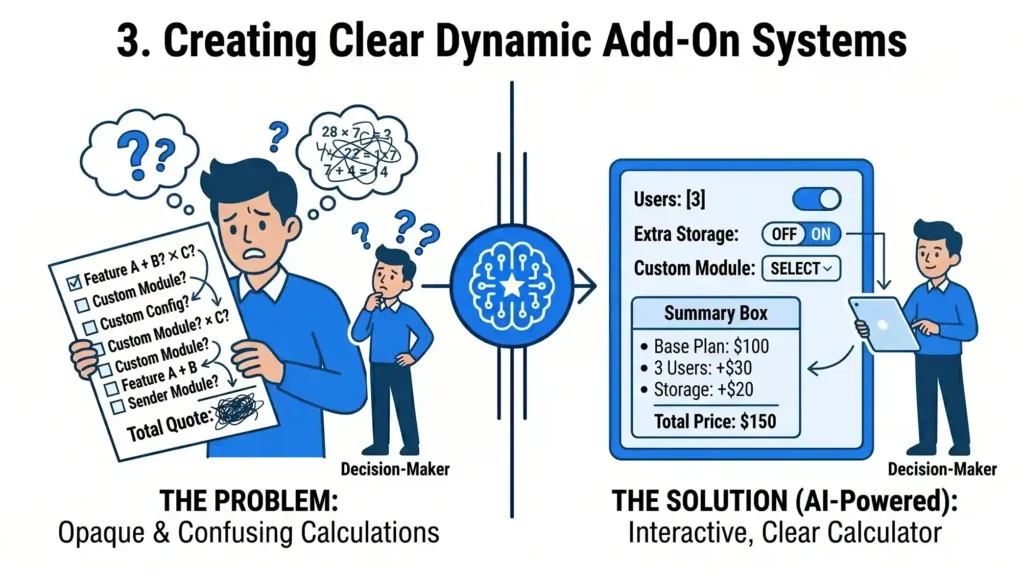
If your business doesn’t have fixed pricing and relies on custom quotes or modular add-ons, the math can quickly become confusing for the user.
- How AI Helps: AI logic tools can help you design interactive, step-by-step pricing calculators. As a user selects their choices (e.g., the number of users or extra storage), the AI recalculates the cost in real-time and updates a simple “Summary Box.”
- The Benefit: This removes the fear of hidden fees. By showing exactly how each selection changes the total price in an easy-to-read interface, you make the user feel in control of their budget, which reduces hesitation at checkout.
4. Writing Benefits-Focused FAQs for Objections
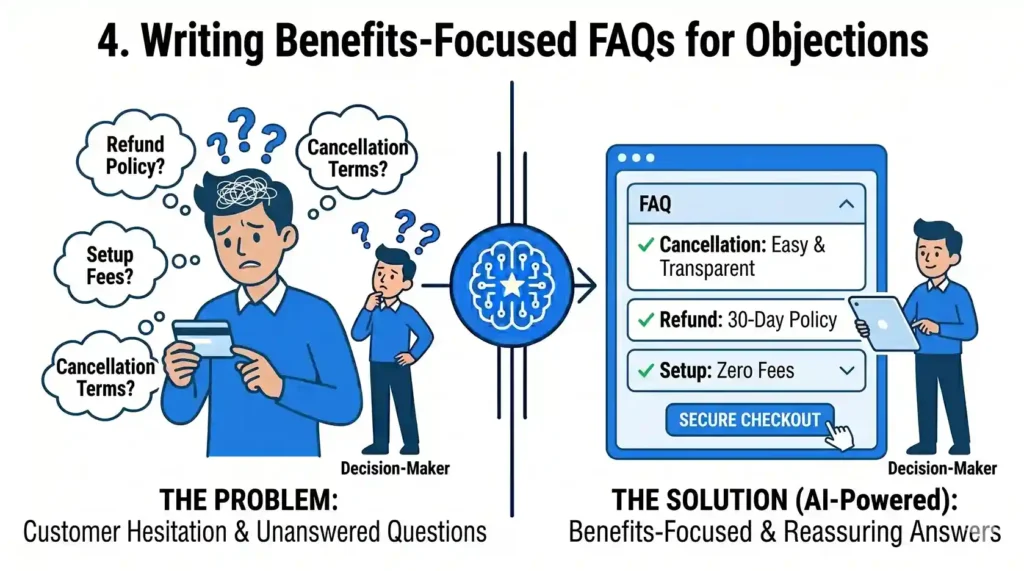
Even with a clean layout, customers will always have questions before they enter their credit card information. They want to know about cancellation policies, refund terms, or setup fees.
- How AI Helps: AI can review your pricing options and generate a targeted “Pricing FAQ” section. It predicts the exact objections a buyer might have for each plan and drafts direct, reassuring answers.
- The Benefit: You address the customer’s hesitation right at the bottom of the pricing page, exactly when they need reassurance. This prevents them from leaving the page to look for answers in a separate support portal.
The Outcome: Transparent Pricing That Builds Trust
A successful pricing page does not hide information; it simplifies it. By using AI to clean up your text, organize your feature tables, and clarify your terms, you make the buying process feel effortless. When your rates are transparent and easy to understand, you remove the final barrier between a prospect and a sale.
At Nuclay Solutions, we specialize in building high-converting pricing architectures. We help you use data and AI logic to turn your rate sheets into clear, interactive, and high-performing digital checkout paths.
Closing Deals or Causing Hesitation?
Is your pricing page helping you close deals, or is it causing your customers to hesitate? Connect with the Nuclay team to optimize your pricing page.
Optimize Your Pricing Page