You don’t need a professional creative director to ensure your website looks cohesive and professional.
Selecting the right images for your website is often more difficult than writing the text. Business owners often struggle with images that don’t match their brand style, photos that slow down their page speed, or visuals that fail to describe what the business actually does.
In 2026, AI-Assisted Image Selection is changing this. Instead of spending hours scrolling through stock photo sites, you can use AI to identify the best visuals, organize your layout, and ensure your images are accessible to everyone.
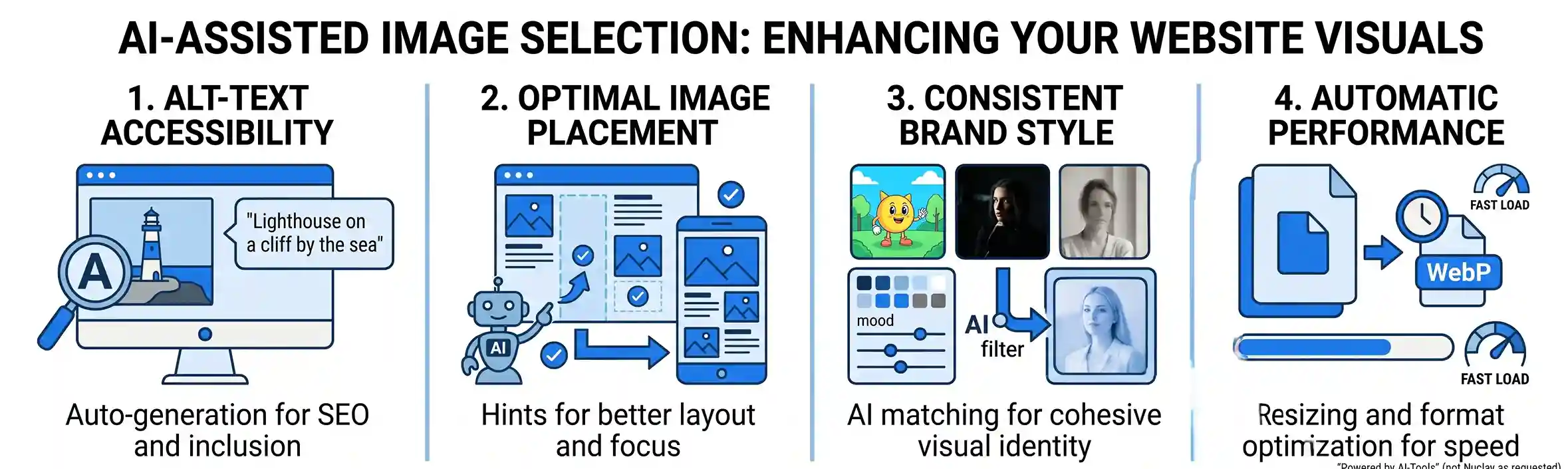
1. Improving Accessibility with Automated Alt-Text
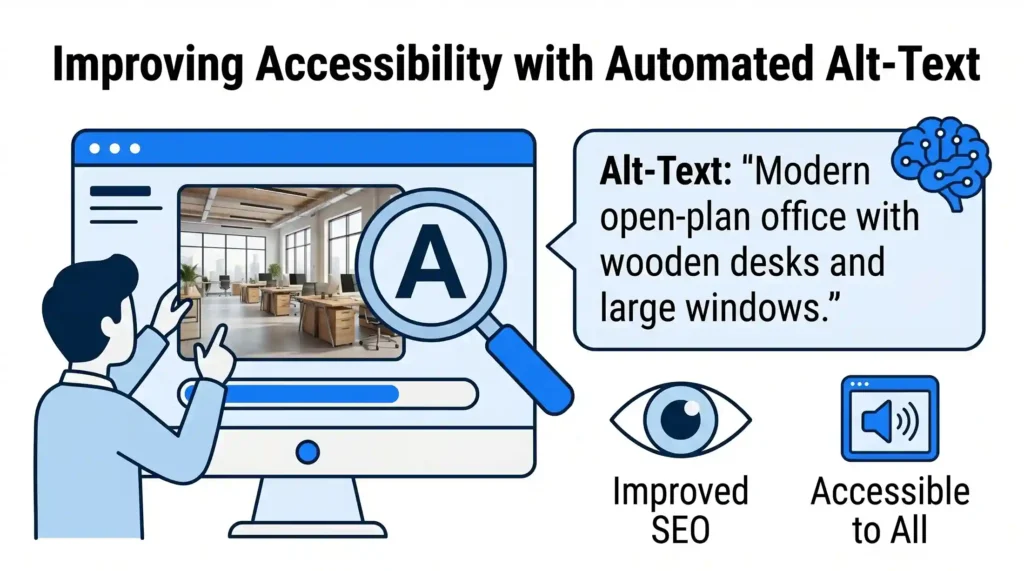
Search engines and screen readers cannot “see” a photo; they rely on Alt-Text (Alternative Text) to understand what an image represents. Manually writing descriptions for every photo in your library is a tedious task that often gets ignored.
- How AI Helps: AI can instantly analyze an image and write a descriptive, accurate Alt-Text. If you upload a photo of a modern office, the AI identifies the elements and writes: “Modern open-plan office with wooden desks and large windows.”
- The Benefit: This immediately improves your website’s SEO and ensures your site is accessible to visually impaired users without any extra manual effort.
2. Using AI for Layout Hints and Placement
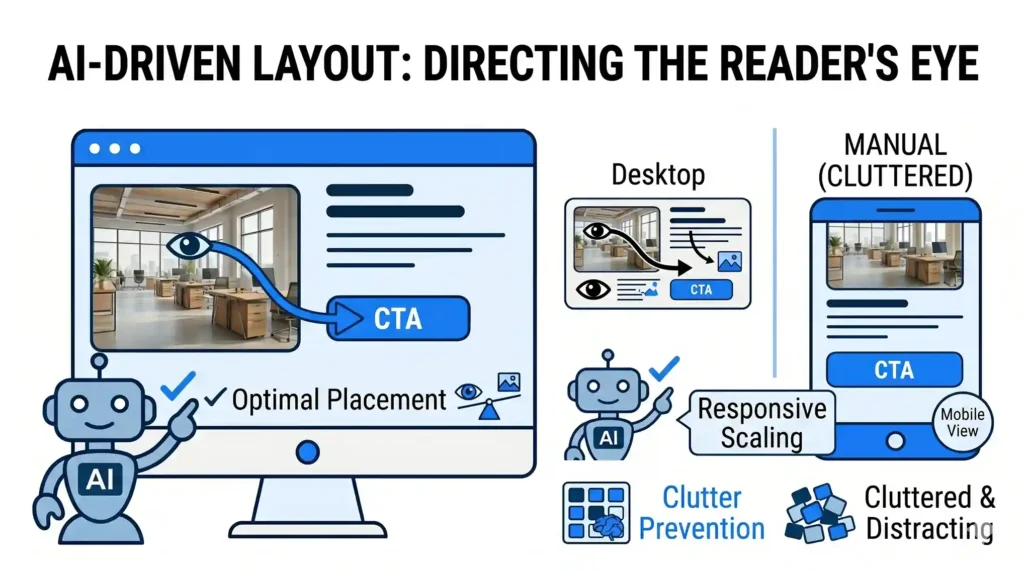
Where you place an image is just as important as the image itself. An image that looks great on a desktop might cut off a person’s head on a mobile screen, or it might distract the user from your main “Call to Action” button.
- How AI Helps: Modern design tools use AI to provide Layout Hints. The AI analyzes the “Visual Weight” of your page and suggests where an image should sit to lead the reader’s eye toward your most important information.
- The Benefit: It prevents your website from looking cluttered. By following these AI suggestions, you ensure your images support your message rather than distracting from it.
3. Maintaining a Consistent Brand Style
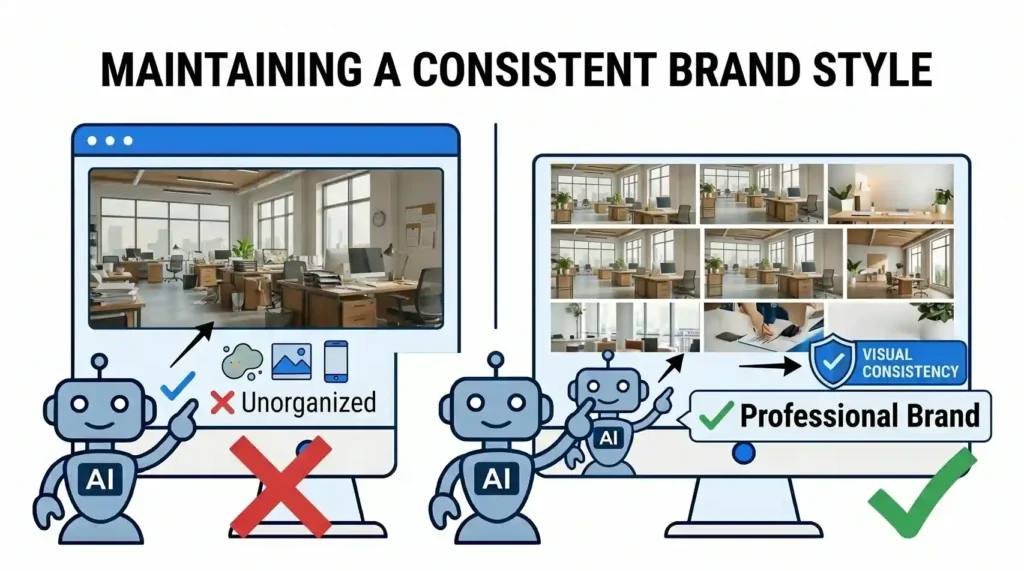
One of the most common mistakes on small business websites is “Visual Clutter”—using a mix of bright cartoons, dark professional photos, and casual smartphone shots. This makes the brand look unorganized.
- How AI Helps: You can provide an AI assistant with a few examples of images you like. The AI then offers Style Suggestions, filtering through thousands of options to find images with similar lighting, color palettes, and “moods.”
- The Benefit: Your website stays visually consistent. This “Style Matching” makes your business appear more professional and trustworthy to new visitors.
4. Automatic Image Optimization for Performance
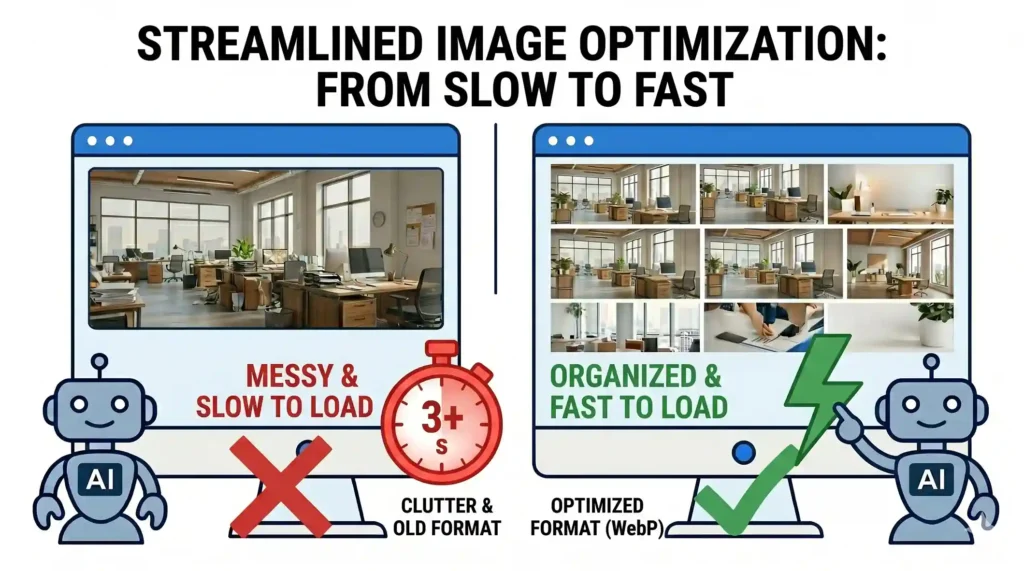
High-quality images are often large files that can make your website load slowly. If a page takes more than three seconds to load, most visitors will leave.
- How AI Helps: AI-driven optimization tools automatically resize and compress your images without losing visual quality. They can even suggest the best file format (like WebP) based on how the image is being used.
- The Benefit: You get a fast-loading website that still looks beautiful, which keeps both your visitors and Google happy.
The Outcome: Professional Design Without the Effort
AI-assisted image tools act as a “Digital Design Assistant.” They handle the technical and repetitive parts of web design – like writing descriptions and optimizing file sizes – so you can focus on the big picture. By using AI to guide your style and layout, you ensure your website doesn’t just have pictures, but has the right pictures in the right places.
At Nuclay Solutions, we integrate these AI design tools into our clients’ websites to make content management simple. We help you build a visual identity that is consistent, accessible, and high-performing.
Random Photos or a Professional Brand?
Does your website truly represent your quality? Connect with the Nuclay team to upgrade your website visuals and create a lasting impression.
Upgrade Your Visuals