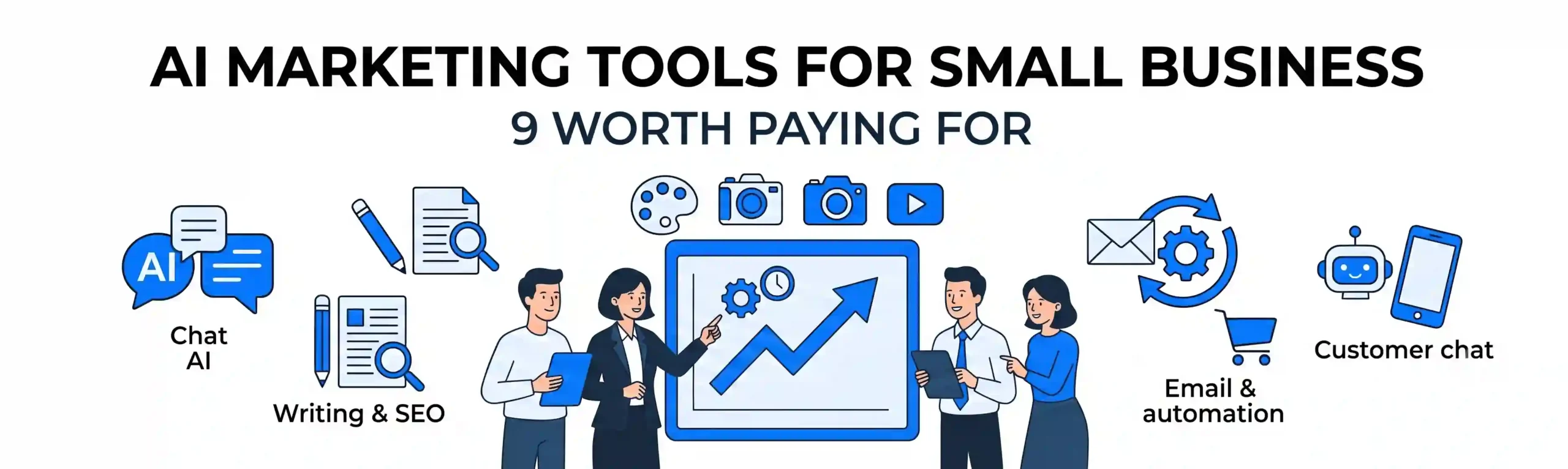
Search for AI marketing tools for small business and you’ll find lists of 50, 80, even 100 products. That’s not a shortlist. It’s a catalog, and it leaves you more confused than when you started.
Most small business owners don’t need 50 tools. You need three or four that cover the work eating your week: writing, design, follow-ups and answering the same customer questions on repeat. This post covers nine tools we’d actually put in front of a small business, what each one does well, and where it falls short.
Our opinion up front: buy for the bottleneck, not the hype. If you’re not sure where your time goes, no tool will fix it.
How should a small business choose AI marketing tools?
Ask one question before you open any pricing page: which task do I repeat every week that doesn’t need my personal judgment?
Picture a three-person dental clinic. The front desk spends hours a week answering “Do you take my insurance?” and “Can I get an evening slot?” by phone and DM. The owner spends Sunday nights writing social captions. Nobody has time to follow up with patients who asked for a quote and went quiet.
That’s three separate problems, so it needs three different tools, not one “all-in-one AI platform.” Write down your own version of that list first. Then match tools to it.
A good tool should pass three tests:
- It saves you at least a couple of hours a week
- It plugs into software you already use (website, email, CRM)
- You can judge its output quickly, because you know your business better than any AI does
Writing and content: 3 tools
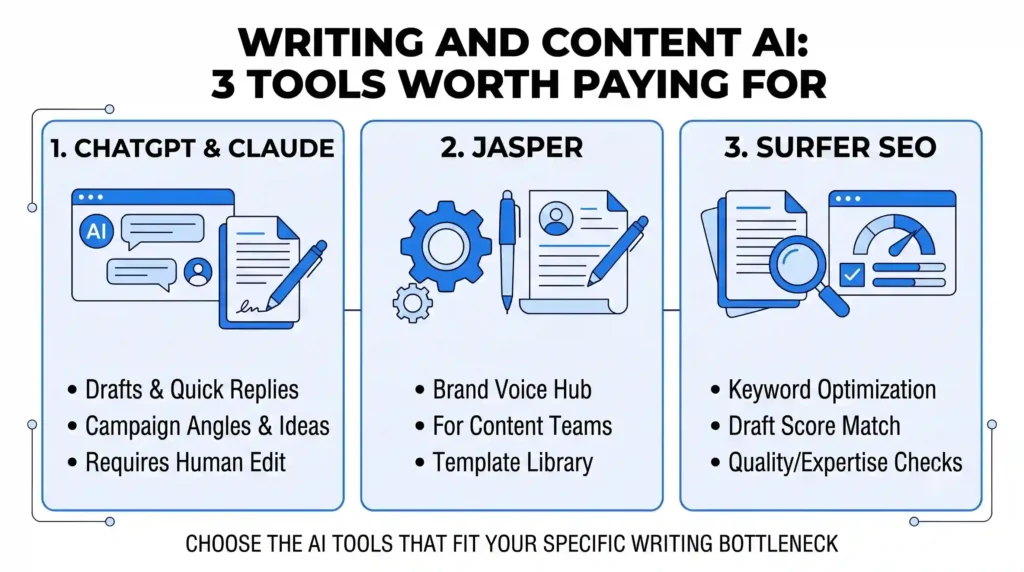
1. ChatGPT or Claude (general-purpose assistants)
If you only pay for one thing, make it a general assistant. Use it for first drafts of emails, ad variations, product descriptions, customer replies and brainstorming campaign angles.
The catch is that the default output sounds like everyone else’s. Feed it three examples of your best past writing and tell it to match that voice. Always edit before publishing.
2. Jasper (brand-voice content at volume)
Jasper makes sense if several people on your team write content and you need it to sound consistent. It stores brand voice and templates so the output stays on-message.
For a solo owner it’s overkill. A general assistant with a well-written instruction does 80% of the job for less money.
3. Surfer SEO (search-focused writing)
Surfer shows what top-ranking pages cover for a keyword and scores your draft against them. It’s useful if organic search is a real lead source for you.
It won’t rank a thin article. It tells you what’s missing; the expertise still has to come from you. If you’d rather hand SEO off entirely, that’s what our SEO team does.
Design and video: 2 tools
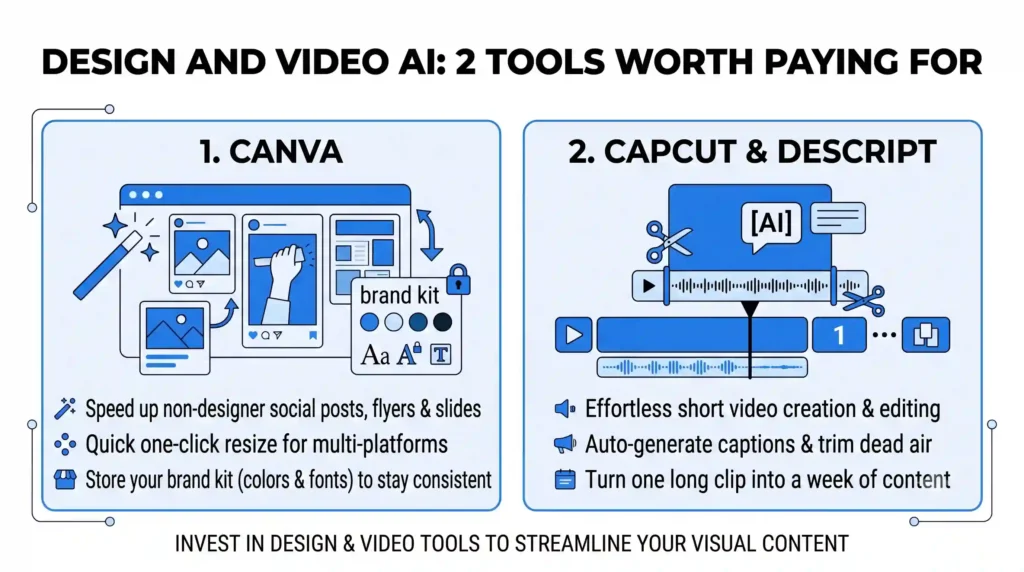
4. Canva (Magic Studio features)
Canva’s AI features let a non-designer produce decent social posts, flyers and presentations fast. Resizing one design for every platform used to take an hour. Now it takes minutes.
Keep your brand colors and fonts locked in a brand kit, or your feed starts looking like six different companies.
5. CapCut or Descript (short video)
Short video gets attention, and most owners avoid it because editing is tedious. These tools auto-generate captions, trim dead air and cut long recordings into clips.
Film a five-minute answer to a common customer question and you can turn it into three or four short clips. That’s a week of content from one coffee break.
Email, CRM and automation: 3 tools
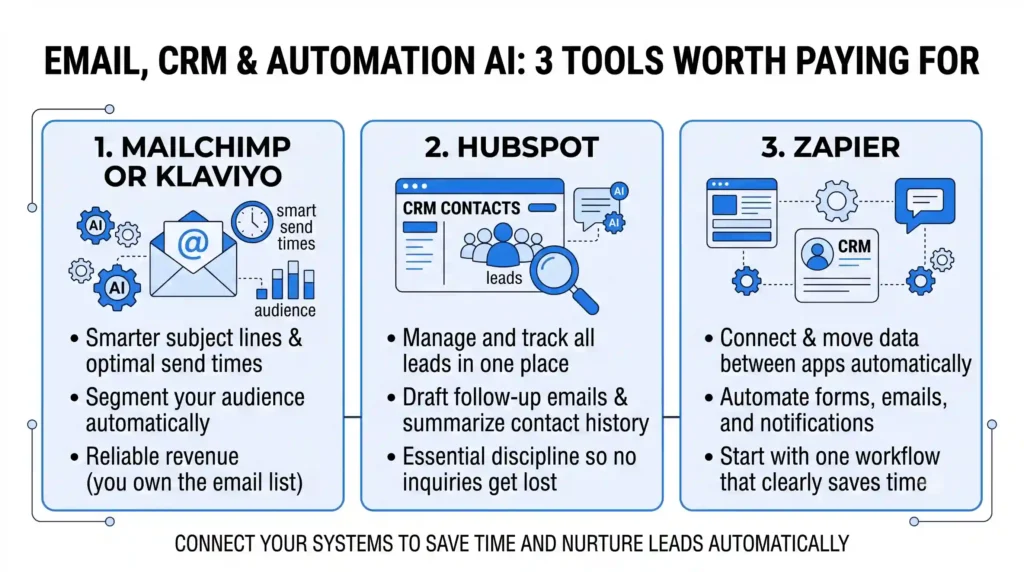
6. Mailchimp or Klaviyo (AI-assisted email)
Both suggest subject lines, send times and audience segments. Klaviyo leans toward online stores; Mailchimp suits service businesses that need simpler newsletters and reminders.
Email still tends to produce more reliable revenue than social for small businesses, because you own the list. Spend your AI budget here before you spend it on trendier channels.
7. HubSpot (free CRM with AI features)
A CRM is where your leads live, and HubSpot’s free tier is a sensible starting point. Its AI features help draft follow-up emails and summarize contact history.
The real value is the discipline: every inquiry goes in one place, and nothing gets forgotten. If you’re already using Salesforce, we can wire your tools into it, but most small teams don’t need that yet.
8. Zapier (connecting everything)
Zapier moves information between apps automatically. A form fill on your website can create a CRM contact, send a welcome email and ping you in Slack, with no manual steps.
It’s easy to build too many automations nobody maintains. Start with one workflow that clearly saves time and expand from there.
Customer conversations: 1 tool
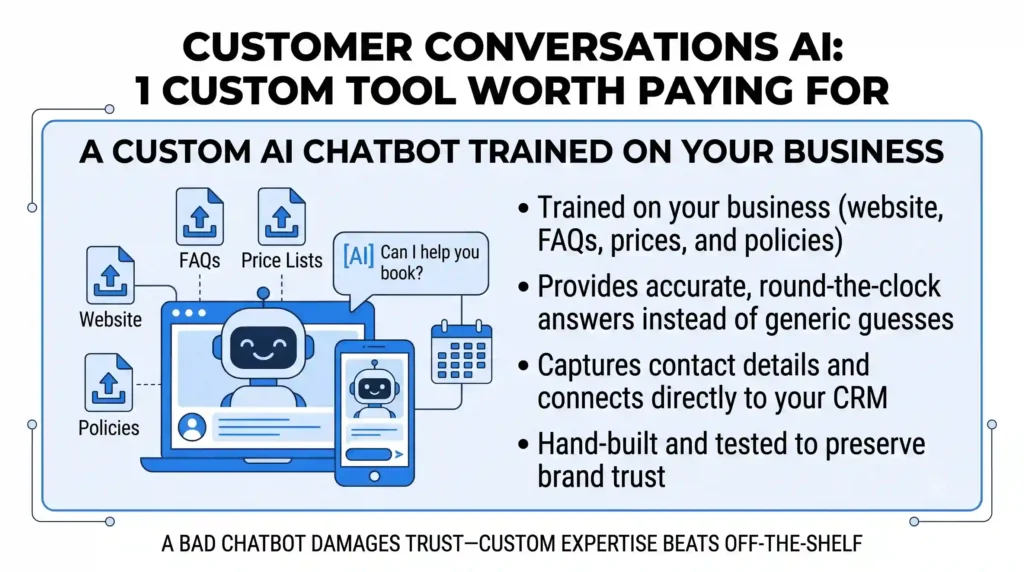
9. A custom AI chatbot trained on your business
Back to our dental clinic. Generic chatbots give vague, sometimes wrong answers because they don’t know your services, prices or policies. A CustomGPT is trained on your own content: your website, FAQs, price lists and policies. It answers questions the way your best employee would, around the clock, and can capture contact details when someone is ready to book.
We build these for clients, and it’s the one category where we’d say custom beats off-the-shelf. A bad chatbot damages trust faster than having no chatbot at all. Our CustomGPT service covers training, testing and connecting it to your CRM.
What should you skip?
A few categories are rarely worth it for a small business:
- “Fully automated” social posting tools. Posting without a human glance is how embarrassing mistakes go live.
- AI that writes and publishes blog posts on its own. Google’s guidance focuses on content quality and usefulness, not whether AI helped, and mass-produced filler isn’t useful.
- Anything you can’t connect to your website, email or CRM. Isolated tools create extra manual work.
- Annual plans on day one. Start monthly. Switch tools freely for the first 90 days.
A simple starter stack
If you want a clear starting point, this works for most small businesses:
- A general AI assistant for writing
- Canva for design
- A CRM with email follow-ups
- A custom chatbot once you’ve got steady website traffic
Add the rest only when a specific bottleneck demands it.
Conclusion
The right AI marketing tools for a small business are the ones that remove a real bottleneck, fit into your existing setup and produce work you’d be happy to put your name on. Start small, measure results and add tools only when there’s a reason.
Want to see how this could work for your business, including what a custom chatbot would look like on your site? Connect with us and we’ll show you.
Ready to Automate Your Leads?
Eliminate bottlenecks with a custom AI chatbot that captures and converts leads 24/7.
Get Your AI ChatbotFrequently Asked Questions (FAQ)
How much should a small business spend on AI marketing tools?
Most small businesses do fine spending a modest amount per month on two or three core tools. Spend more only once a tool clearly saves time or brings in leads. Track results for 60 to 90 days before upgrading.
Will AI-written content hurt my SEO?
Not automatically. Google has said it rewards helpful content however it's produced. The risk is publishing generic, unedited text. Use AI for drafts, then add your real experience, examples and details.
Can AI replace my marketing team or agency?
No. AI handles repetitive production work well, but strategy, positioning and judgment still need people. The best results come from a skilled person using good tools, not tools running alone.