The best interface is the one you don’t have to use.
For the past twenty years, User Experience (UX) design has been about making buttons easier to click and menus easier to navigate. But in 2026, the goal of design has shifted. We are no longer designing for “users” who click; we are designing for “agents” that act.
When you integrate AI Agents into your business, the traditional dashboard often becomes a bottleneck. If an AI can perform a task autonomously, the human shouldn’t have to log into a portal to trigger it. This shift requires a new approach: Agentic UX.
Moving Beyond the Chatbox
The biggest mistake companies make is thinking that “AI UX” just means adding a chatbot to the corner of a screen. While chat is useful for simple queries, it is a slow way to manage complex business logic. In a professional environment, constant chatting becomes its own form of manual labor.
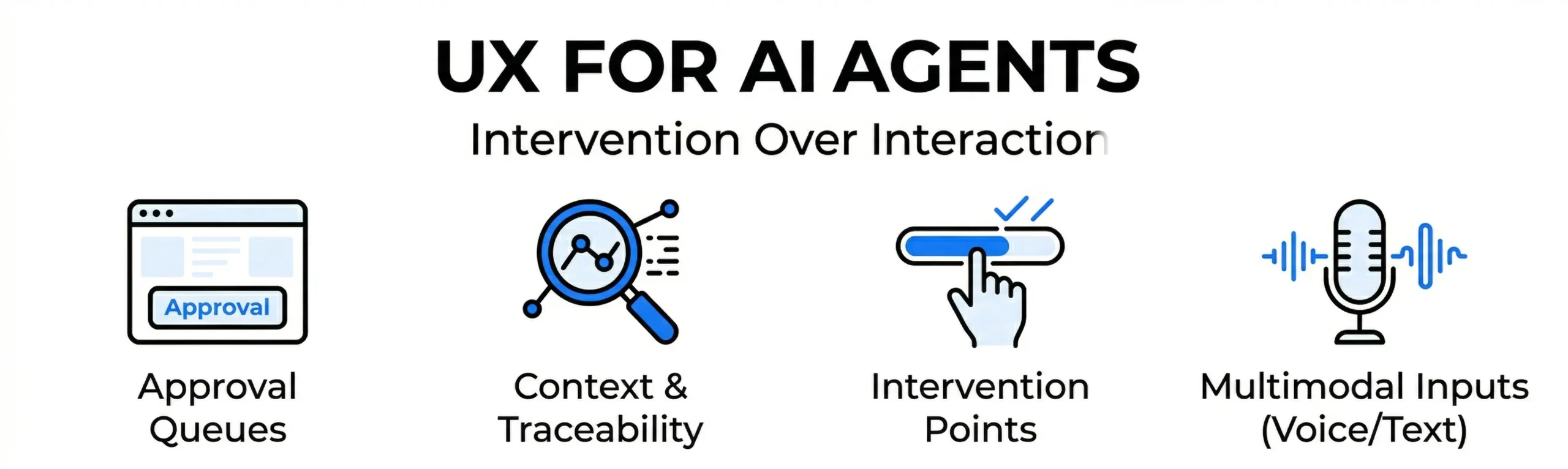
At Nuclay, we design interfaces that prioritize “Intervention over Interaction.” Instead of a system that waits for you to tell it what to do, we build systems that show you what they have already done – and ask for your approval on the final 5%.
Three Principles of UX for AI Agents
1. Minimalist Oversight Interfaces
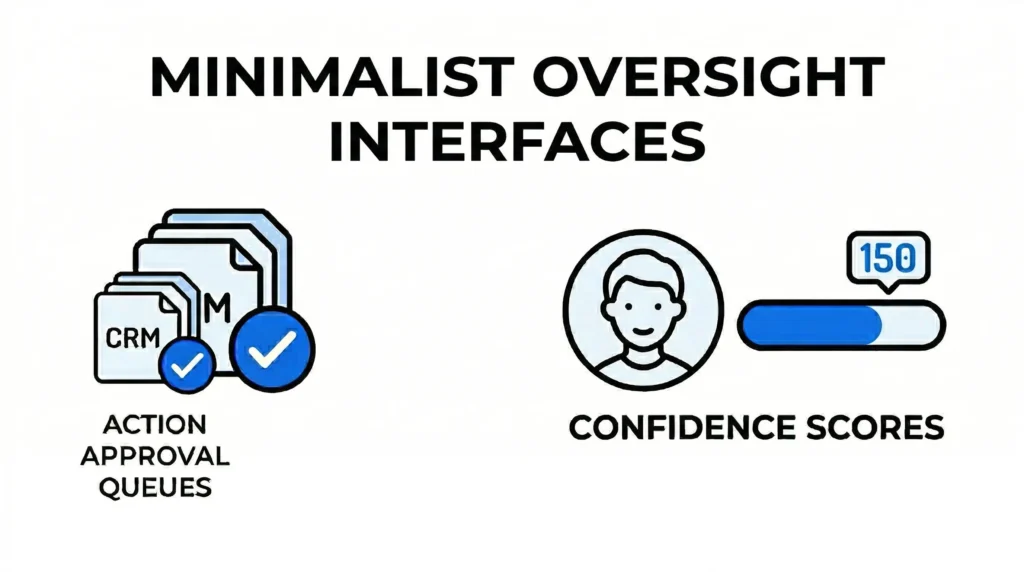
In an agent-driven system, the UI should only appear when the human needs to make a decision. We design “Shadow Interfaces” that stay out of the way until the AI reaches a confidence threshold that requires human verification.
- Approval Queues: Instead of a complex CRM page, the user sees a simple list of actions the agent has prepared (e.g., “Approve this refund?” or “Send this drafted proposal?”).
- Confidence Scores: We visually represent how “sure” the AI is about a specific action, allowing the human to skim through high-confidence tasks and focus only on the outliers.
2. Contextual Awareness and Transparency
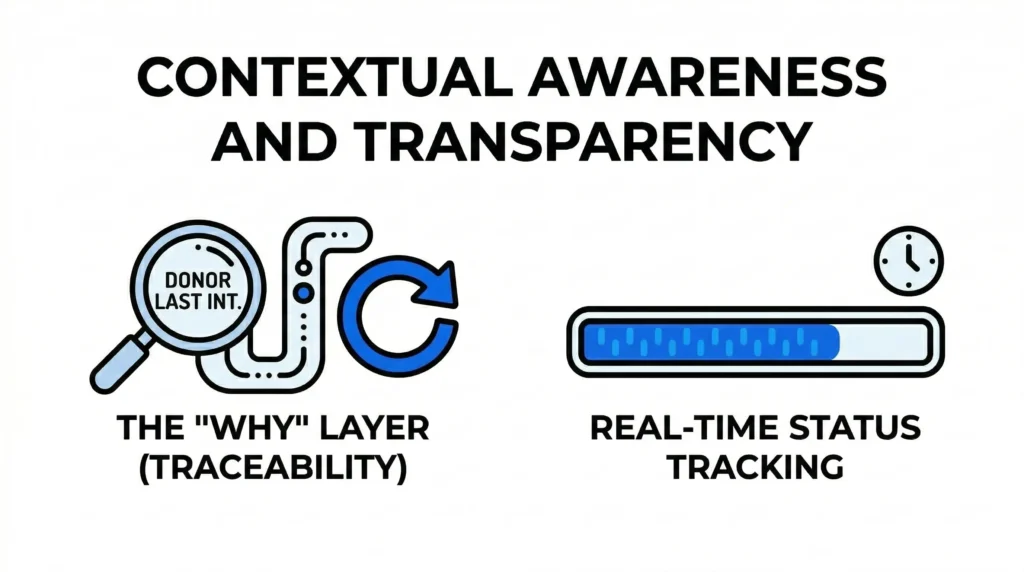
If a user doesn’t understand why an AI Agent took a certain action, they won’t trust the system. Good UX for AI provides “Traceability.”
- The “Why” Layer: We design small, non-intrusive elements that show the source of the AI’s logic. If an agent suggests a specific donor outreach, the UI shows a snippet of the donor’s last interaction that triggered the suggestion.
- Real-Time Status Tracking: Users should be able to see what their agents are currently working on in the background, similar to a digital “loading bar” for autonomous tasks.
3. Voice and Multimodal Inputs
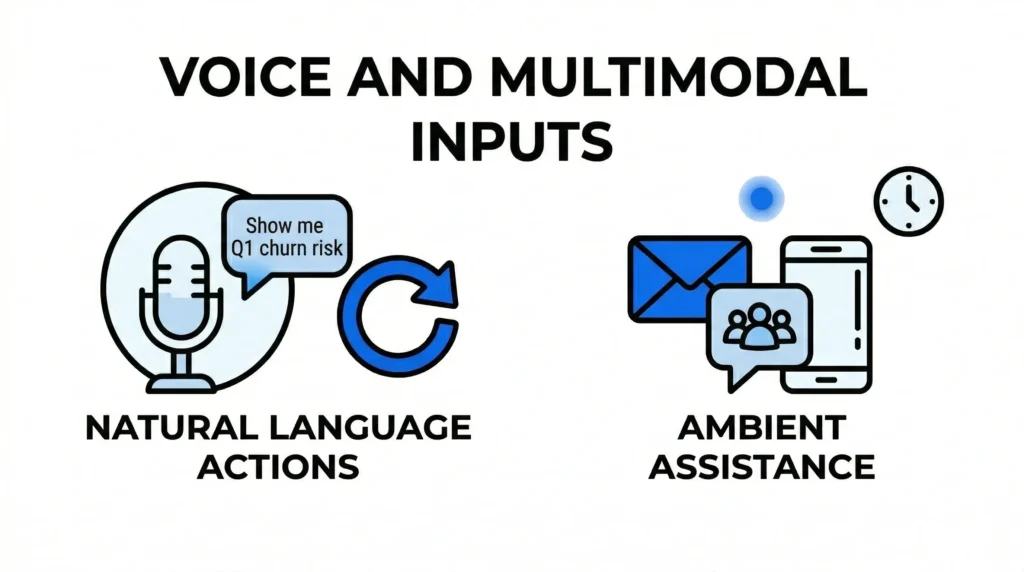
In 2026, the keyboard is no longer the primary tool for managing AI. UX for agents must include voice and screen-sharing capabilities.
- Natural Language Actions: Instead of navigating through five menu layers to run a report, the user should be able to simply say, “Show me the churn risk for Q1,” and have the agent render the chart instantly.
- Ambient Assistance: The UX should exist where the work happens—whether that’s inside an email thread, a Slack channel, or a mobile app—rather than forcing the user to switch to a dedicated AI platform.
The Shift from Tools to Partners
The ultimate goal of Designing for AI is to move from “software you use” to “software you manage.” When the UX is designed correctly, the friction of data entry and navigation disappears. This allows your team to stop being operators of a system and start being directors of an intelligent workforce.
By focusing on Agentic UX, Nuclay helps businesses build systems that feel like a natural extension of the team. We ensure that your AI integration isn’t just a powerful engine, but one that is easy to steer and impossible to ignore.
The Outcome of Modern AI Design
The transition to AI-first design results in a significant increase in organizational speed. When employees no longer have to navigate complex menus to perform routine tasks, their mental energy is freed up for high-level strategy and creative problem-solving. A well-designed Agentic UX doesn’t just look better; it functions as a force multiplier for your entire staff.
At Nuclay Solutions, our design philosophy ensures that AI agents are integrated seamlessly into your existing workflows. We provide the visual and functional bridge that allows humans and machines to work in sync, ensuring that your digital transformation is both powerful and user-friendly.
Manual Clicks or Autonomous Results?
Is your digital infrastructure as professional as your services? Connect with the Nuclay team to discuss your digital transformation.
Design Your AI Interface