Salesforce has a reputation problem. Ask ten small business owners about it and you’ll hear two stories: “It’s the best decision we made,” and “We paid for a Ferrari and used it like a bicycle.” Both are true, which is why the question is so hard to answer.
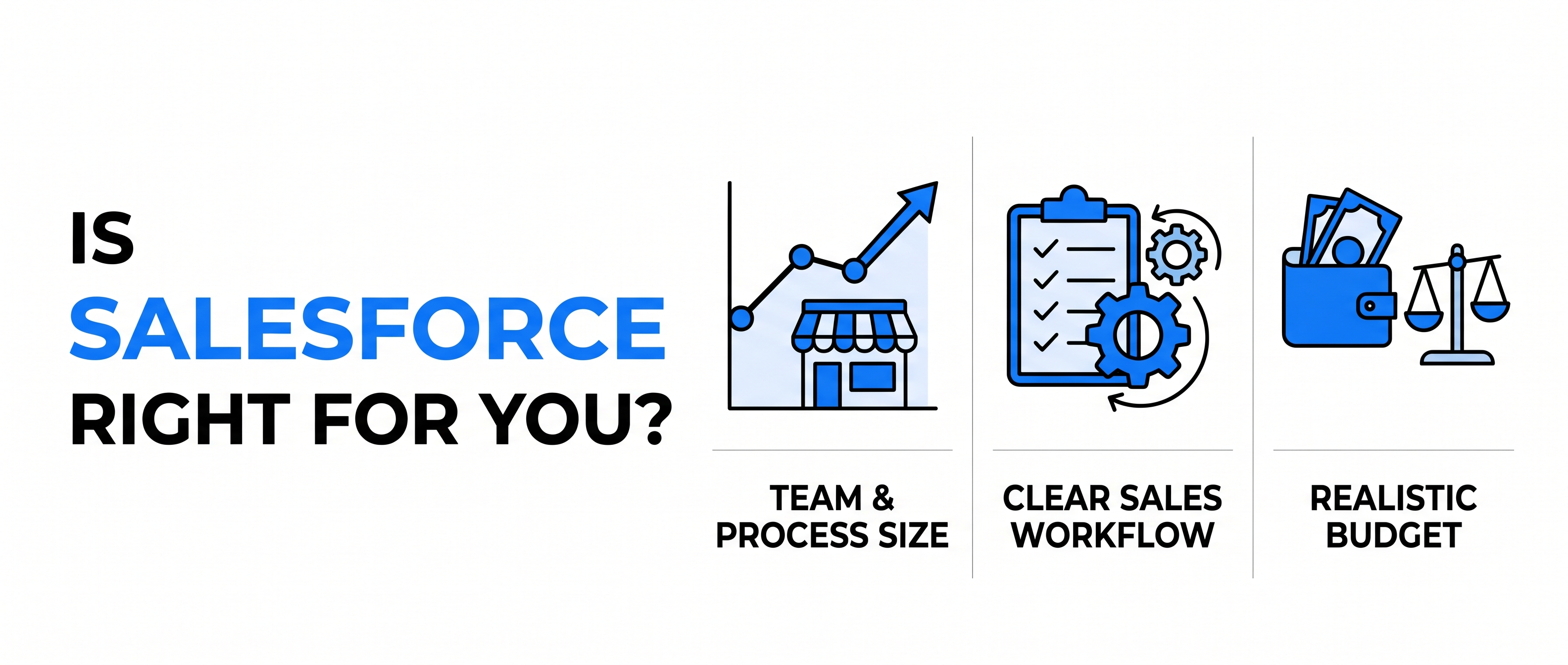
So, is Salesforce good for small business? Sometimes, yes. It is a strong choice for the right kind of small business and an expensive mistake for the wrong one. This post explains what Salesforce actually is, what it really costs once you count everything, and how to tell which kind of business you are. Our view: Salesforce is not too big for small businesses, but it is too big for small businesses that don’t have a plan.
What Salesforce Actually Is, in Plain English
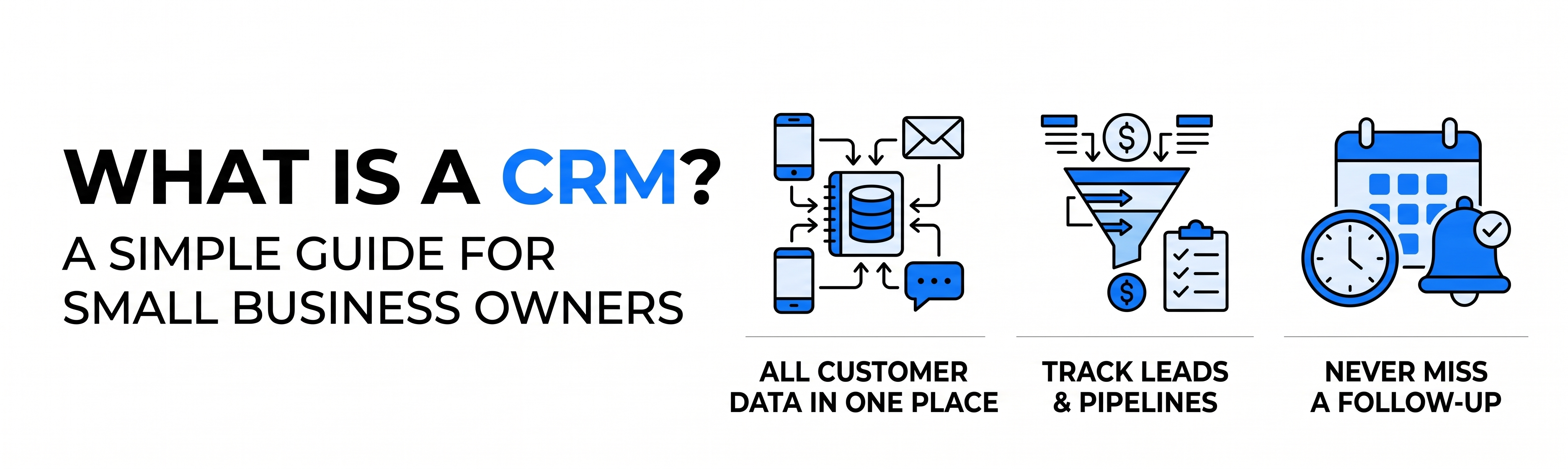
Salesforce is a CRM, which stands for customer relationship management. A CRM is software that keeps every customer conversation, deal, and follow-up in one place instead of scattered across inboxes, spreadsheets, and memory.
What sets Salesforce apart is that it’s a platform, not just a contact list. Beyond tracking leads and deals, it can run marketing campaigns, manage customer support, automate approvals, and connect to your accounting or ERP software. Think of it as a toolbox you can keep adding to, rather than a single tool.
That flexibility is the appeal, and also the risk. A toolbox with 200 tools is overwhelming if you only need a hammer.
Why Some Small Businesses Swear by Salesforce
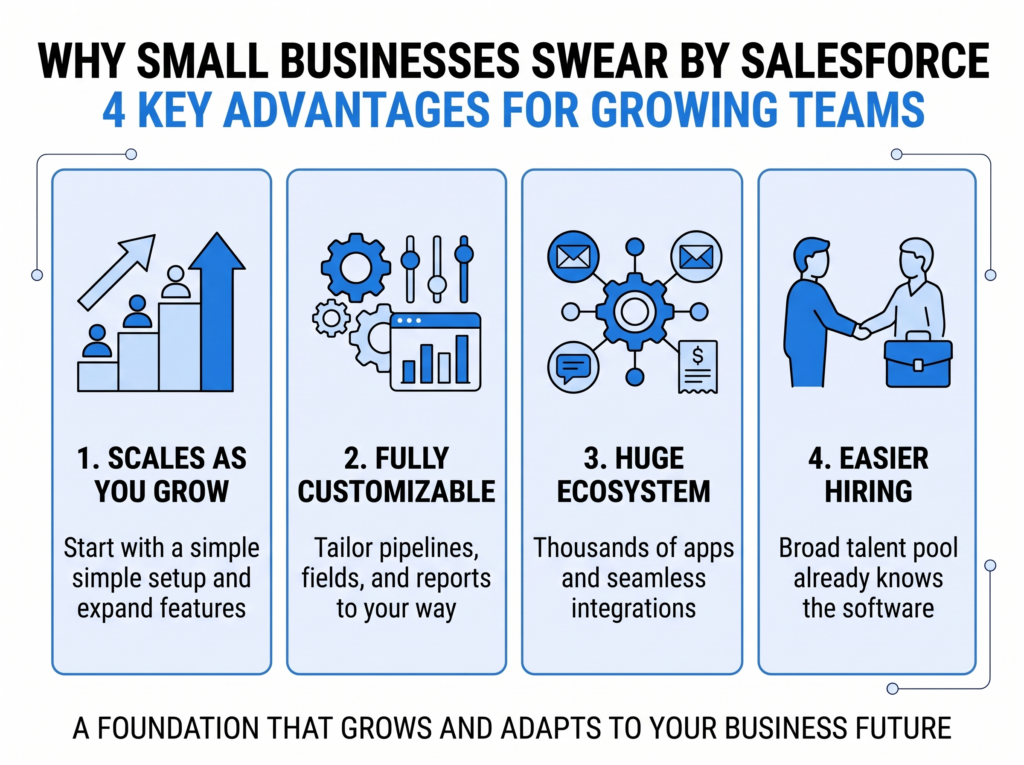
When Salesforce works for a small company, it’s usually because it grows with you. You can start with a simple setup and add features as your team and process expand, without migrating to a new system later. It’s also customizable, so your pipeline, fields, and reports can match how you really sell instead of forcing you into a template.
Two other reasons come up often:
- A huge ecosystem. Thousands of apps and integrations plug into it, so connecting email, WhatsApp, invoicing, or a website is rarely a dead end.
- Easier hiring. Plenty of professionals already know Salesforce, so you aren’t dependent on one person who built a custom tool.
If you expect to double your team in the next two to three years, that growth path carries real weight.
What Salesforce Really Costs a Small Business in Year One
This is where most articles get vague, so let’s be concrete. Salesforce’s entry-level plans are priced per user per month, and the sticker price is only part of the real cost.
Consider a 10-person sales team on a mid-tier plan. The licenses are the visible cost. Then add setup and configuration to build your pipeline, fields, and reports properly, data migration to clean and import existing records, integrations with your website, email, and accounting tools, and training plus ongoing admin, because someone has to own it after launch.
A realistic first-year budget is often a multiple of the license fee alone. Check Salesforce’s current pricing page for exact plan rates, since they change, and treat setup as a real line item rather than an afterthought. Businesses that skip this step are the ones who end up calling Salesforce “too complicated.”
Who Should Buy Salesforce: Five Signs You’re Ready
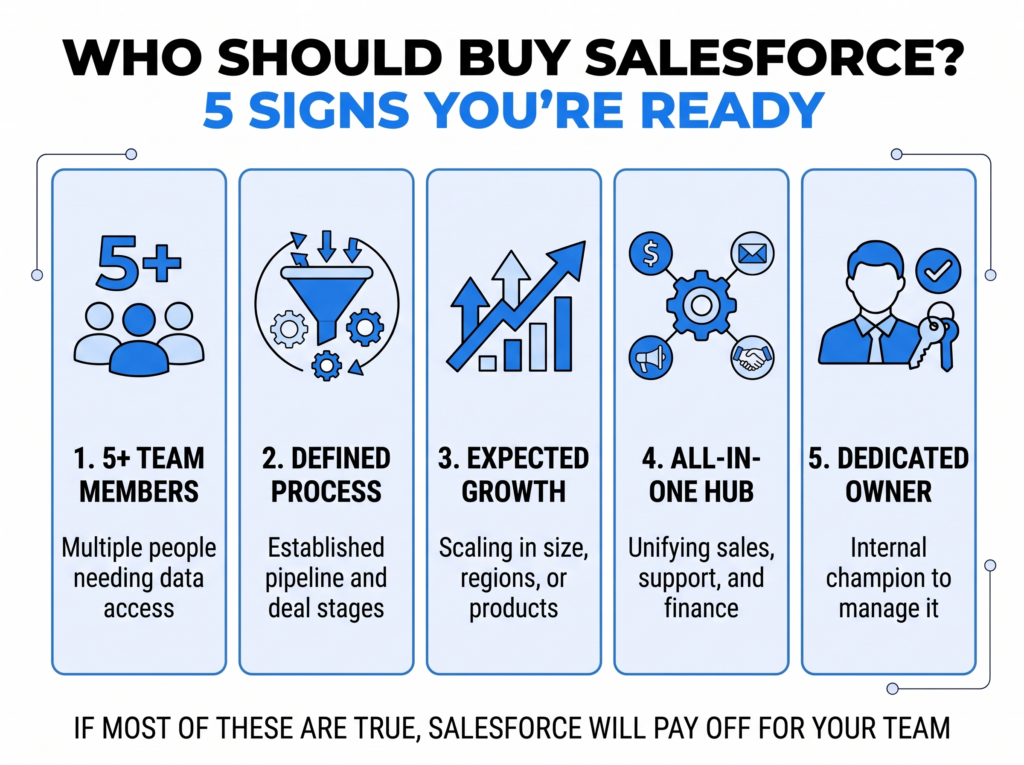
Salesforce tends to pay off when most of these are true:
- You have 5 or more people touching customer data.
- You have a defined, repeatable sales process, even a simple one.
- You expect to grow or add complexity, such as multiple product lines, regions, or teams.
- You want one system connecting sales, marketing, support, and finance.
- You have someone who will own it, internally or through a partner.
A good example is a 15-person B2B services firm that sells through quotes, follows up over several weeks, and wants to see which lead source produces the best clients. That firm needs a pipeline, automation, and reporting, and Salesforce delivers all three.
Who Should Skip Salesforce (For Now)
We’d rather tell you now than after you’ve signed a contract. Salesforce is likely overkill if you’re a solo operator or a team of two or three with a short customer list. It’s also a poor choice if your sales process is still changing every month, because automating confusion just makes confusion faster.
The same goes for businesses whose needs are simple contact tracking and reminders. A lightweight CRM will do that for a fraction of the cost and effort. And if nobody will manage the system, Salesforce decays within months.
In these cases, a simpler CRM, or even a well-kept spreadsheet, is the more honest recommendation. Moving to Salesforce later is easy. Escaping an overbuilt setup you never needed is not.
Three Questions That Settle the Decision
Skip the feature comparisons and answer these:
- Where will we be in two years? If the answer is “roughly the same size and process,” go simple. If it’s “twice the team and more products,” Salesforce earns its price.
- Who owns this after launch? Name a person. If you can’t, solve that before buying software.
- What must it connect to? If the CRM has to talk to your accounting, ERP, website, and support tools, Salesforce’s integration depth is a major advantage.
Conclusion
Salesforce isn’t too big for small businesses. It’s too big for businesses that buy it hoping the software will create a sales process for them. If you have a team, a repeatable way of selling, and growth ahead, it is one of the strongest foundations you can build on. If not, start simpler and revisit when the pain shows up.
Not sure which camp you’re in? We’ll look at your team, your process, and your tools, and tell you plainly whether Salesforce makes sense and what a right-sized setup would look like. Talk to our Salesforce team and we’ll map out your next step.
Is Salesforce Right for You or Costly Overkill?
Avoid expensive mistakes. Talk to our team to find your right-sized CRM setup.
Check Your Fit NowFrequently Asked Questions (FAQ)
How much does Salesforce cost for a small business?
Salesforce is priced per user per month, with plans that scale by feature level, so the cost depends on team size and plan tier. The license fee is only part of the budget, since setup, data migration, integrations, and training add to the first-year cost. Always confirm current rates on Salesforce's official pricing page.
Is Salesforce too complicated for a small business?
Salesforce is too complicated when it's set up without a clear process or an owner. With a pipeline built around how your team actually sells and only the features you need switched on, it is manageable. Most complaints come from over-configured setups, not from the software itself.
What is a good alternative to Salesforce for small businesses?
Lightweight CRMs such as HubSpot, Zoho, or Pipedrive suit small teams that want faster setup and lower cost. They cover contact management, deal tracking, and basic automation well. Salesforce becomes the stronger option when you need deep customization or integrations with other business systems.
Can a small business start with Salesforce and grow into it?
Yes, a small business can start with a basic Salesforce setup and add features as it grows. This is one of its biggest advantages, since you avoid migrating to a new system later. The key is to start with only the features you'll use now and expand deliberately.